

(!)NOTE : Windows 7 users won’t be able to use some latest features of eCatalog/WOS since Microsoft is ending support for Windows 7 on 14 Jan, 2020. Please upgrade your system for uninterrupted services.

Design faster and smarter with our advanced frame calculation software. Download and install it by following the user manual instructions.
FRAMES is a software that helps to design aluminum frames and other components quickly, accurately and precisely.

Reduce design time

Summary of Parts list, request quotation and order immediately

Free to use, no charge
 Easy to frame, just select a frame and drag to the desired length or press TAB and enter the desired length. Brackets and Nuts will be attached to the frame at the assembly points automatically and the quantity will be displayed in the BOM List automatically as well. Estimate the price of all designed parts in real time. Download 2D Drawing and export 3D files for further use. Request prices and place orders instantly via the Misumi website. No need to load CAD pieces on the website one by one, you can select them from within the MISUMI FRAMES program. Calculate the maximum load (Max Load) of your aluminum frame and calculate the total weight of your design. You can check the quantity, price and delivery time of every Part List item.
MISUMI FRAMES is a software that even those who have never used CAD before can easily design aluminum frames
Our MISUMI FRAMES software helps you reduce the time from design to ordering by up to 90%.
There are also many useful functions in the software that are guaranteed by many users, such as automatic placement of brackets and nuts, creating a Part List immediately after designing, making a quotation or even ordering via the web page.
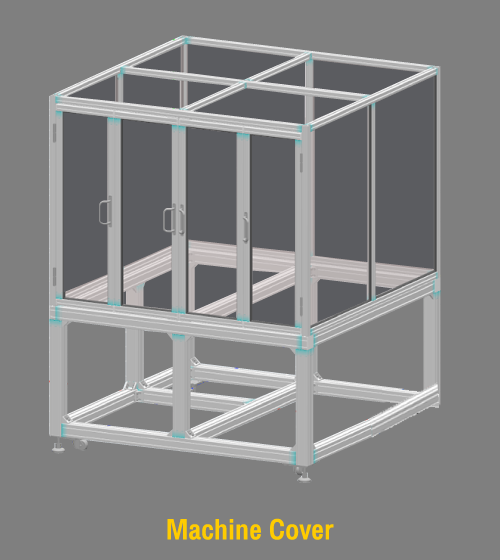
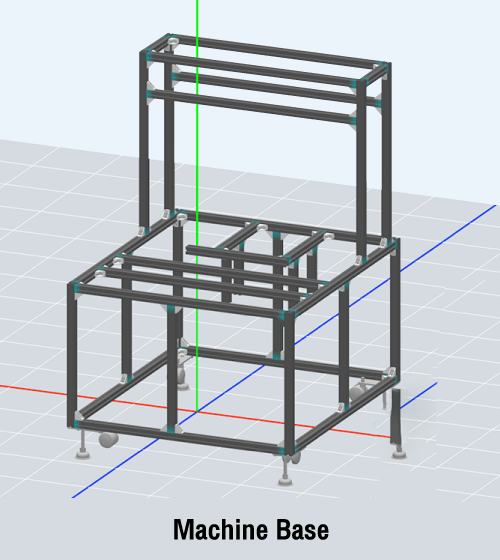
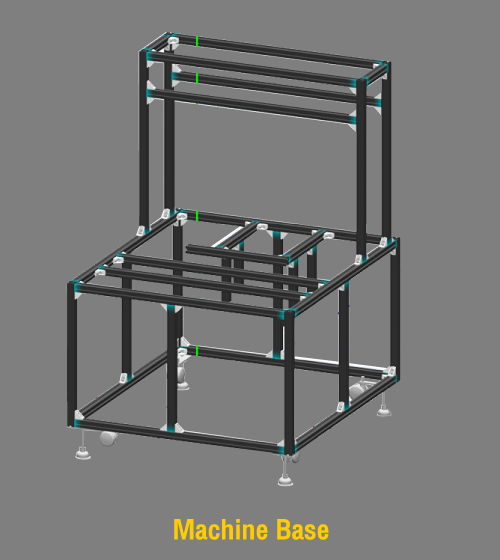
The aluminum frame can be arranged as if drawing, the brackets and nuts will be placed automatically, and the plates can be placed with just one "click", anyone can design easily.

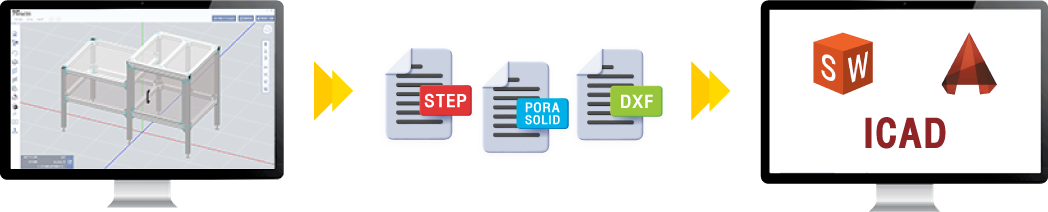
You can save and export your designed aluminum frame files as a central file, which can then be imported into your CAD to complete your final design. **Supported files include STEP, Parasolid and DXF**
The system will automatically generate a part list to avoid errors. Once the product code and quantity are confirmed, you will be able to receive a quote immediately and also be linked to the website to place an order immediately.


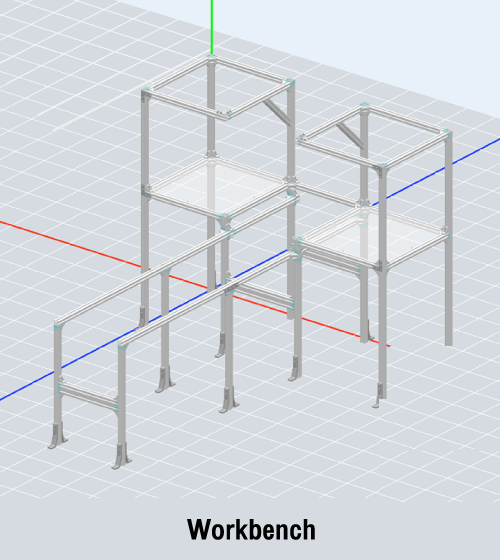
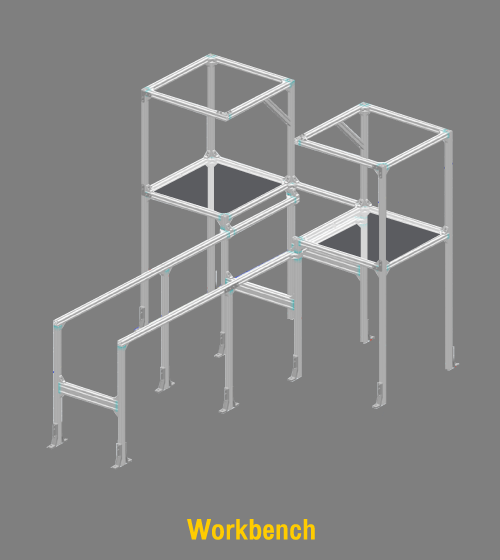
Can be used with 64-bit version of Windows 10 and Windows 11 operating systems.
Recommended specifications:
OS: Windows 10 64bit | Windows 11 64bit
CPU/memory: Core i5 (2.7GHz, 4 cores) or higher / 8GB or higher
Required HDD free space: 5GB
Graphic board: NVIDIA recommended
The MISUMI FRAMES program needs to be installed on your computer, so it cannot be used immediately on the website.
An Internet connection is required for every use of MISUMI FRAMES.
Log in User and Password for accessing MISUMI FRAMES. You can use the same User ID and Password that you use to access WOS. If you have never had a WOS password, you can contact cs@misumi.co.in to request one.
There is no cost to register and use.
Aluminum frame and various accessories such as Nut, Bracket, Slot Cover, Frame Cap, Panel, Caster, Adjuster Pad, etc.
Please contact us using the inquiry form or email cs@misumi.co.in.


Copyright © MISUMI Corporation All Rights Reserved.

